
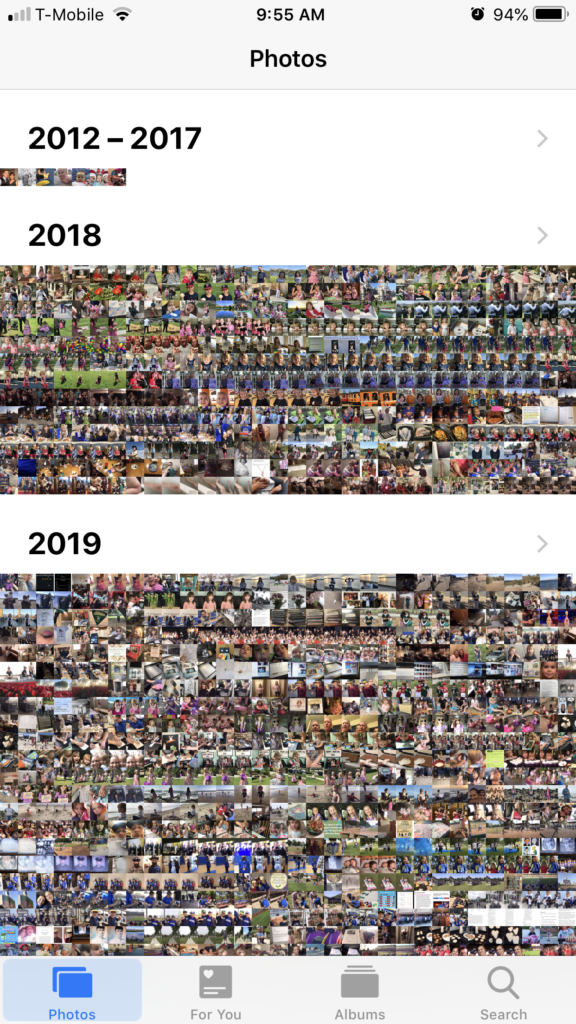
A few years ago, I read that the average person takes about 150 photos a month and has around 600 saved on their phone.
That felt like a lot… at the time.
So I ran a poll.
Most people didn’t have hundreds.
They had thousands.
With an “s.”
And a lot of them had no backup at all.
We’ve Become Digital Photo Hoarders
We take photos constantly—but we don’t protect them.
And here’s the problem:
What happens if they’re gone?
Phone lost.
Device failure.
Water damage.
It happened to me.
And it’s awful.
The Day I Lost My Photos
When my phone died unexpectedly, I lost photos that mattered.
I spent hours trying to recover them.
Paid for recovery software.
Even now—years later—I still have that tiny hope they’ll somehow show up again.
They haven’t.
What I Do Now (And What You Should Be Doing)
After that, I became serious about backups.
Right now, I have five:
- Computer
- External hard drive
- Dropbox
- iCloud
- Google Photos
Yes—five.
Because my photos matter that much.
My Simple System
On my computer, I keep one main folder: ALL PHOTOS
Inside that:
- Year folders
- Then 12 month folders inside each year
Every month:
- I upload from cloud storage
- Organize into Year/Month
- Copy everything to my external hard drive
Meanwhile, my cloud backups are always running in the background.
It sounds like a lot—but once it’s set up, it’s simple.
And it makes me feel… “photo secure.”
Why This Matters More Than You Think
Photos feel disposable now.
They live on phones.
They get buried in camera rolls.
They disappear without warning.
There’s a real chance that the most important memories you’re capturing today…
Will never be seen by the next generation.
One More Layer of Protection
Backups are essential—but they’re still digital.
That’s why I always recommend something physical too.
Photo books.
They don’t crash.
They don’t get accidentally deleted.
And they’re actually enjoyable to look through as a family.
Why Photo Books Beat Albums
Albums work—but they come with problems:
- You have to print everything separately
- Photos don’t always fit correctly
- They slide around or get removed
Photo books solve all of that:
- Clean layouts
- Correct orientation
- Everything stays in place
And if something happens—you can reorder them.
What I Personally Use
I use Mixbook for all my photo books.
The quality is consistent, the layouts are easy, and the process is simple enough that you’ll actually finish your book.
Final Thought
If you’re taking photos—and you are—you need a backup system.
At least one.
Because losing your photos once…
Is enough.
What to Do Next
If you need help getting your photos organized, backed up, or turned into something your family will actually use—I can help.
Take a photo of what you’re working with and send it to me.
I’ll tell you exactly what to do next.
No pressure. No obligation.
➤ Start here: plcphotos.com/contact